
Upgrade amount of requests per minute 🔢
To keep the XCM API fast and fair for everyone (and to prevent DDoS attacks), the number of requests per minute is limited. There are three levels of limits to suit your project's needs. All of them are completely free, and this page shows how to get each one.
| Level | Requests per minute | How to get it |
|---|---|---|
| Standard user | 20 | No action needed |
| API key user | 100 | Generate an API key in one click |
| Higher request limit user | Per request | Submit a request form, reviewed by our team |
Standard user
As a standard user, you do not need to do anything and are free to use the XCM API right away.
The limit for this level is: 20 requests per minute
API key user
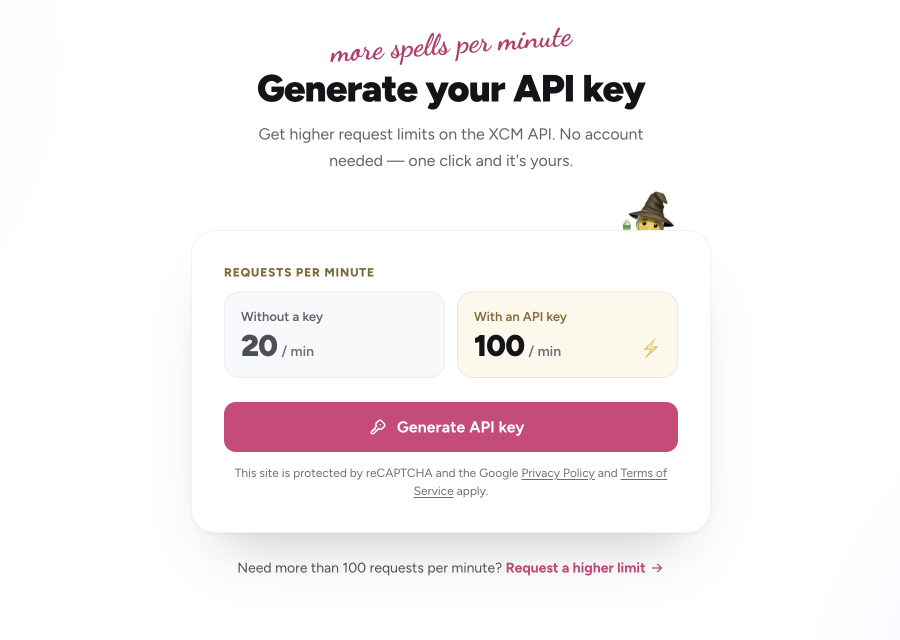
To raise your limit, generate an API key. No account is needed — the page is protected by reCAPTCHA, so a single click is all it takes.
TIP
Before you generate your key, note the following:
- The API key is shown only once. Copy it right away and keep it somewhere safe.
- Keys are not stored by us, so we cannot restore a lost key for you.
- Send the key in the
X-API-KEYheader with every request to unlock the higher limit (see Implement into dApp/REST API).
You can generate your key on the following site (API has to be running):
https://api.paraspell.xyz/v2/app/generate-api-key/
The limit for this level is: 100 requests per minute
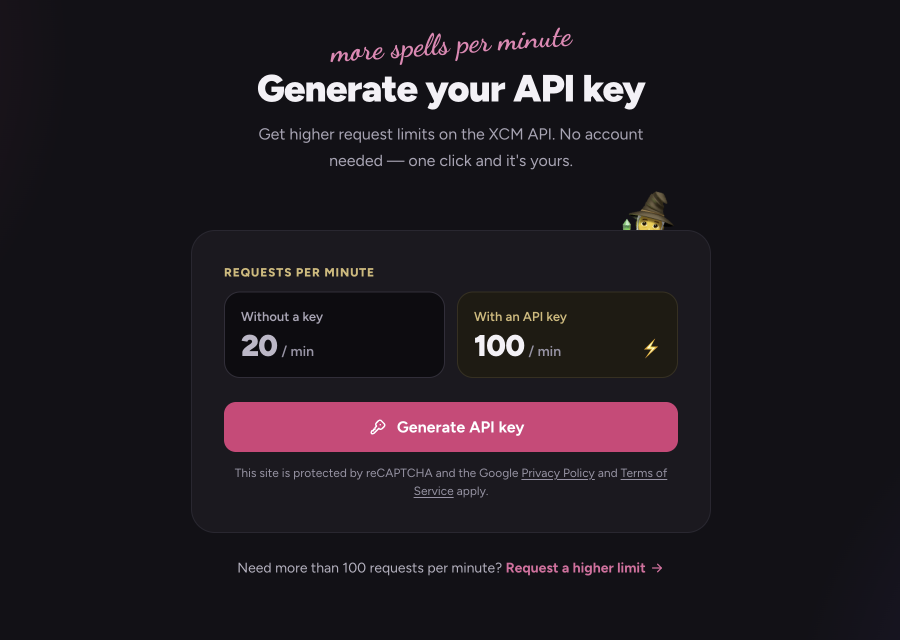
The page compares both limits and lets you generate your key with the Generate API key button:
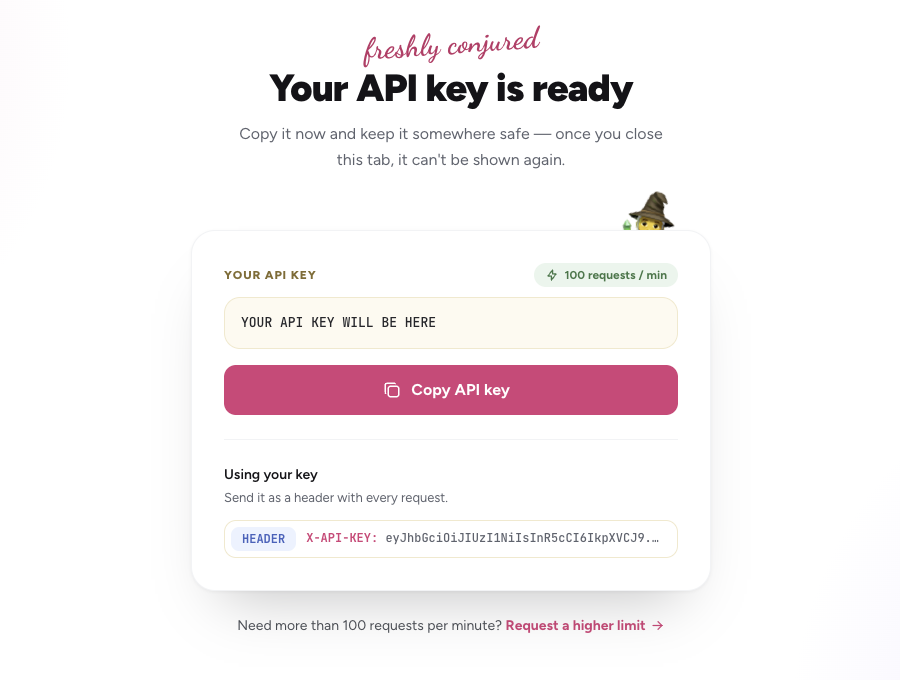
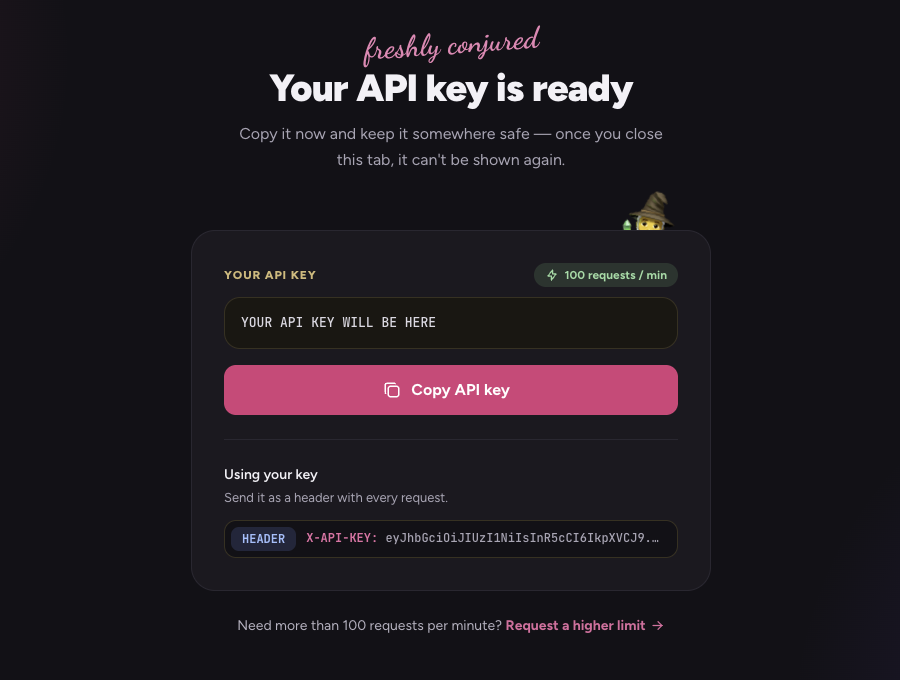
Once generated, your API key appears in the Your API key box. Use the Copy API key button to copy it — the page also shows how to send it as a request header:
Higher request limit user
If 100 requests per minute is not enough for your project, you can request a limit that suits your needs.
TIP
Before you submit the request, note the following:
- You need an API key first. If you don't have one yet, generate it (the form links to the generator via No key yet? Generate one).
- A freshly hashed UserID associated with your API key will be stored in our database for simple monitoring (request amount only) to prevent malicious behaviour. You can find the format of the stored data in the deploy section.
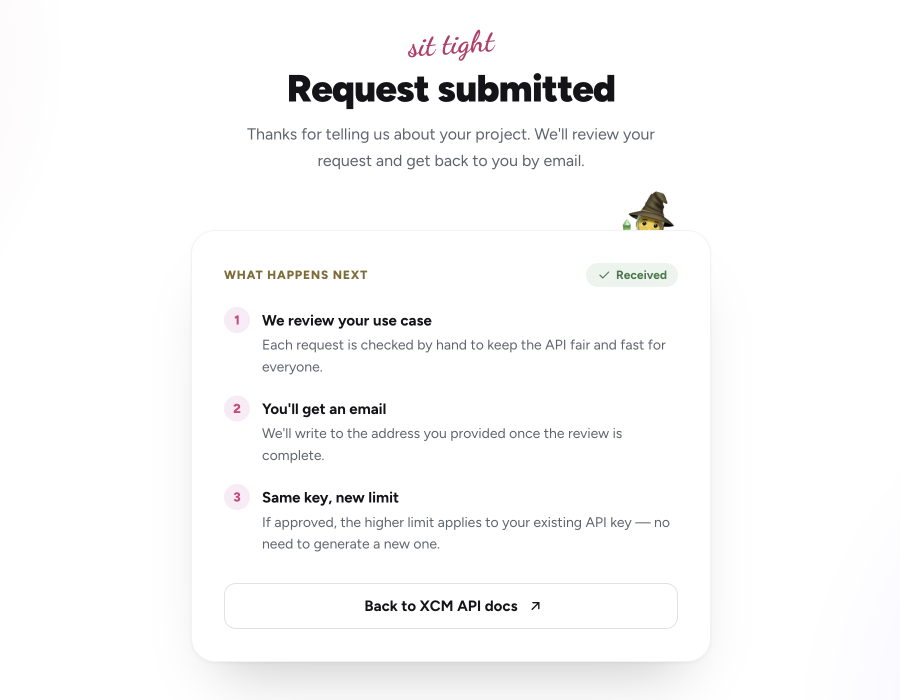
- Each request is reviewed by hand. Once reviewed, you will receive an email telling you whether your request was accepted or rejected (with a reason).
- If approved, the higher limit applies to your existing API key. If your key is already implemented in your project, you do not need to change anything.
A request for a higher limit can be made using the following form (API and Database have to be running and both need to be correctly configured):
https://api.paraspell.xyz/v2/app/higher-request-limit/
The limit for this level is: Per request
Fill in the form with the following details:
- Email – the address where we send the result of the review.
- API key – the key you generated in the previous step.
- Reason for higher limit – what you are building and how you will use the API.
- Requested limit – the number of requests per minute you need (e.g.
500).
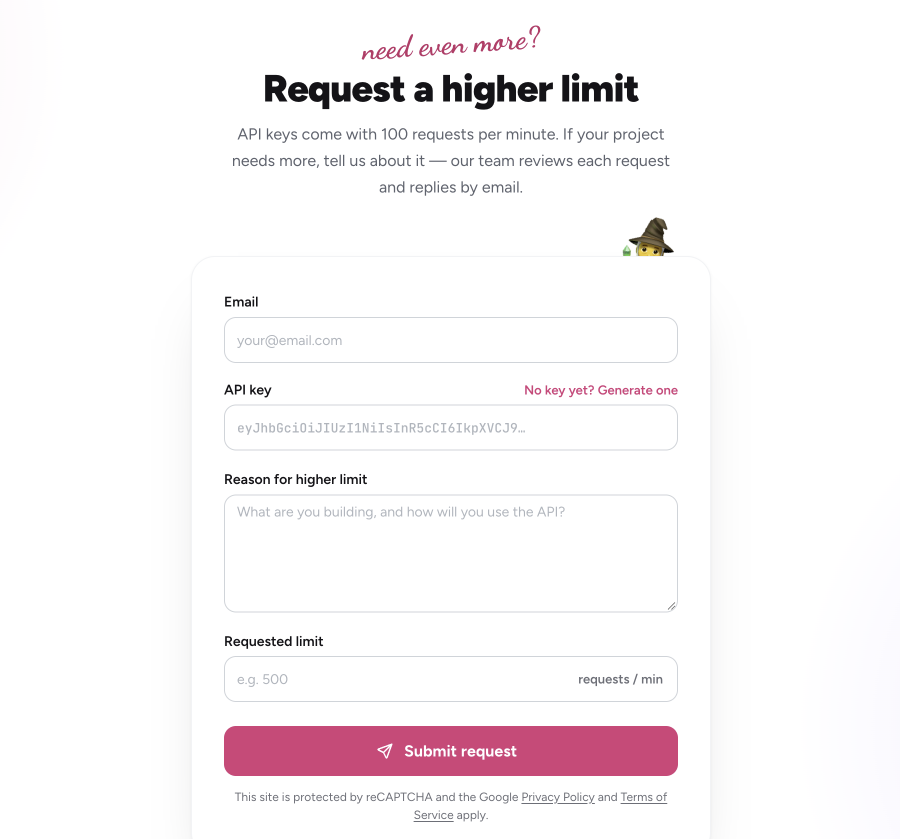
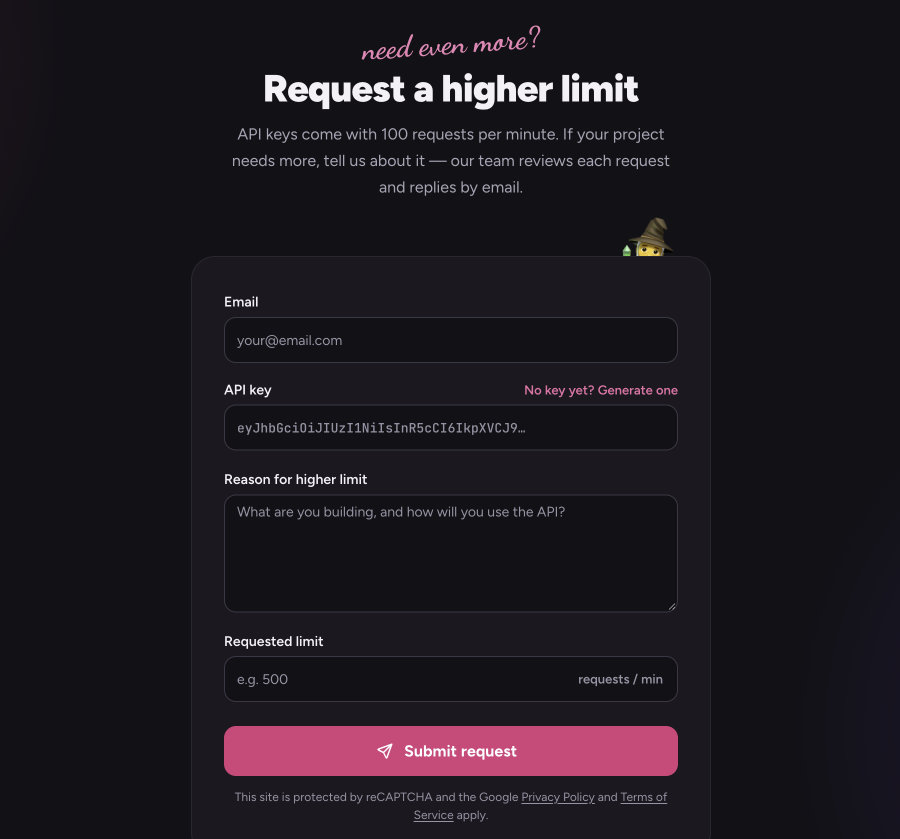
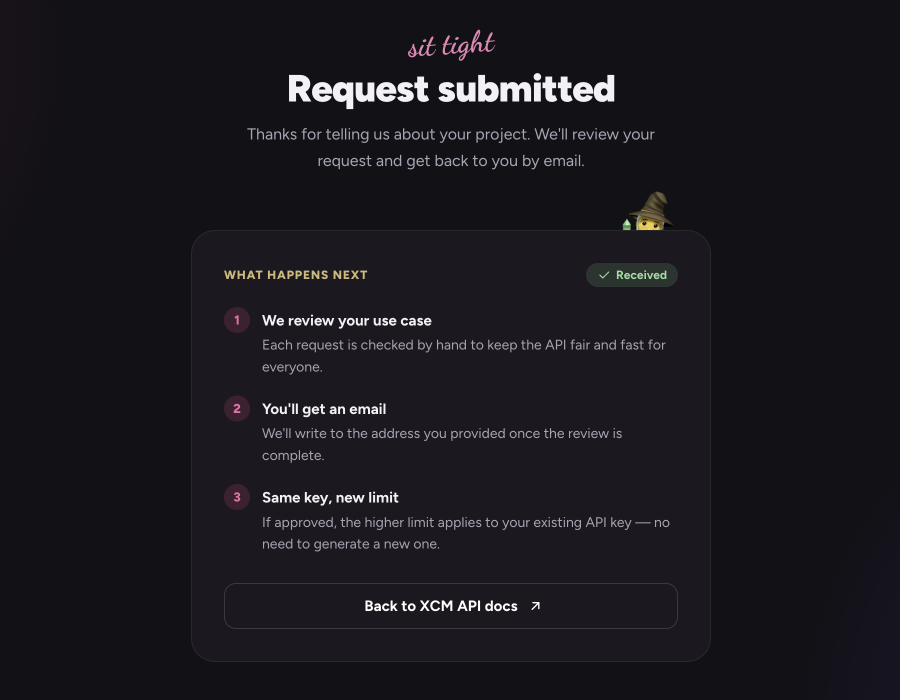
After you click Submit request, you will see a confirmation summarizing what happens next:
Implement into dApp/REST API
REST API Client
This guide shows how to implement the token into the API Client (Insomnia in this case). There are two ways.
The first is to open the Auth tab of your request, select API Key, set the key to X-API-KEY, paste your API key as the value, and add it to Header.
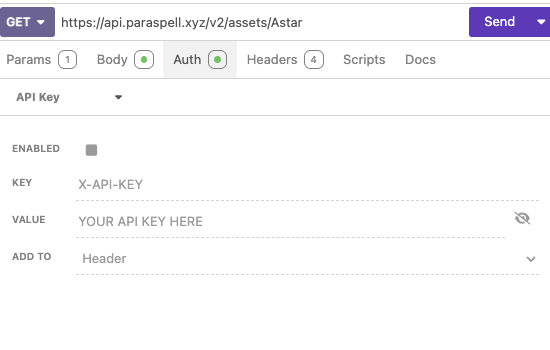
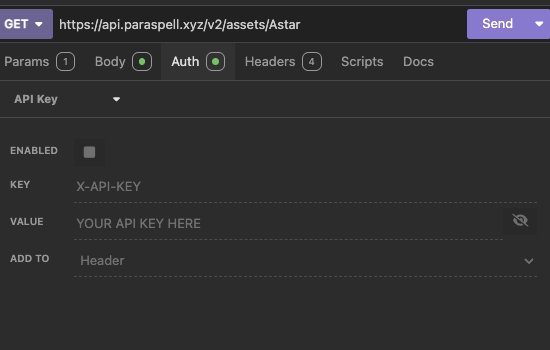
The second is to open the Headers tab of your request and add a new header named X-API-KEY with your API key as its value.
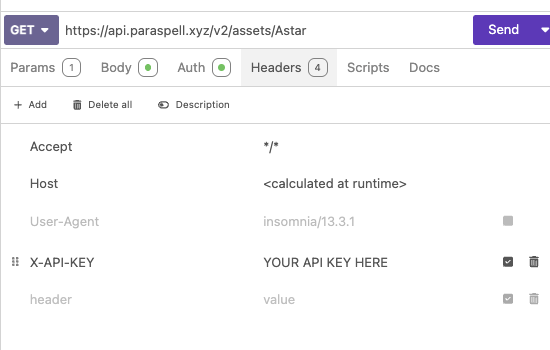
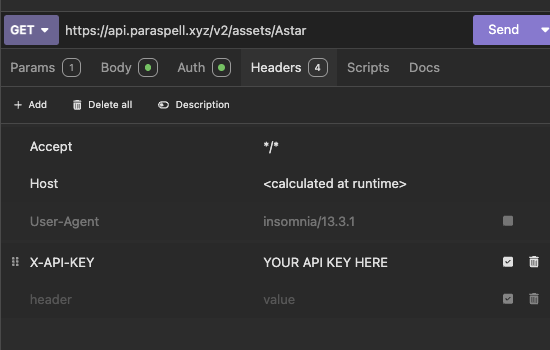
Make sure to name the key X-API-KEY, otherwise your key won't be recognized.
In-app token integration
The following snippet can be observed. See the Headers section where the API key is inserted.
const response = await fetch(
        'https://api.paraspell.xyz/v2/x-transfer?' +
          new URLSearchParams({
            //Method parameters should be here
            //For eg. from: 'Basilisk'
          }),
        { headers: new Headers({ 'X-API-KEY': '<API_KEY>' }) }, //This is where you implement your API token
      );
As observed in the above snippet, adding the following line to fetch requests allows for updating the request count per minute.
{ headers: new Headers({ 'X-API-KEY': '<API_KEY>' }) }, //This is where you implement your API token